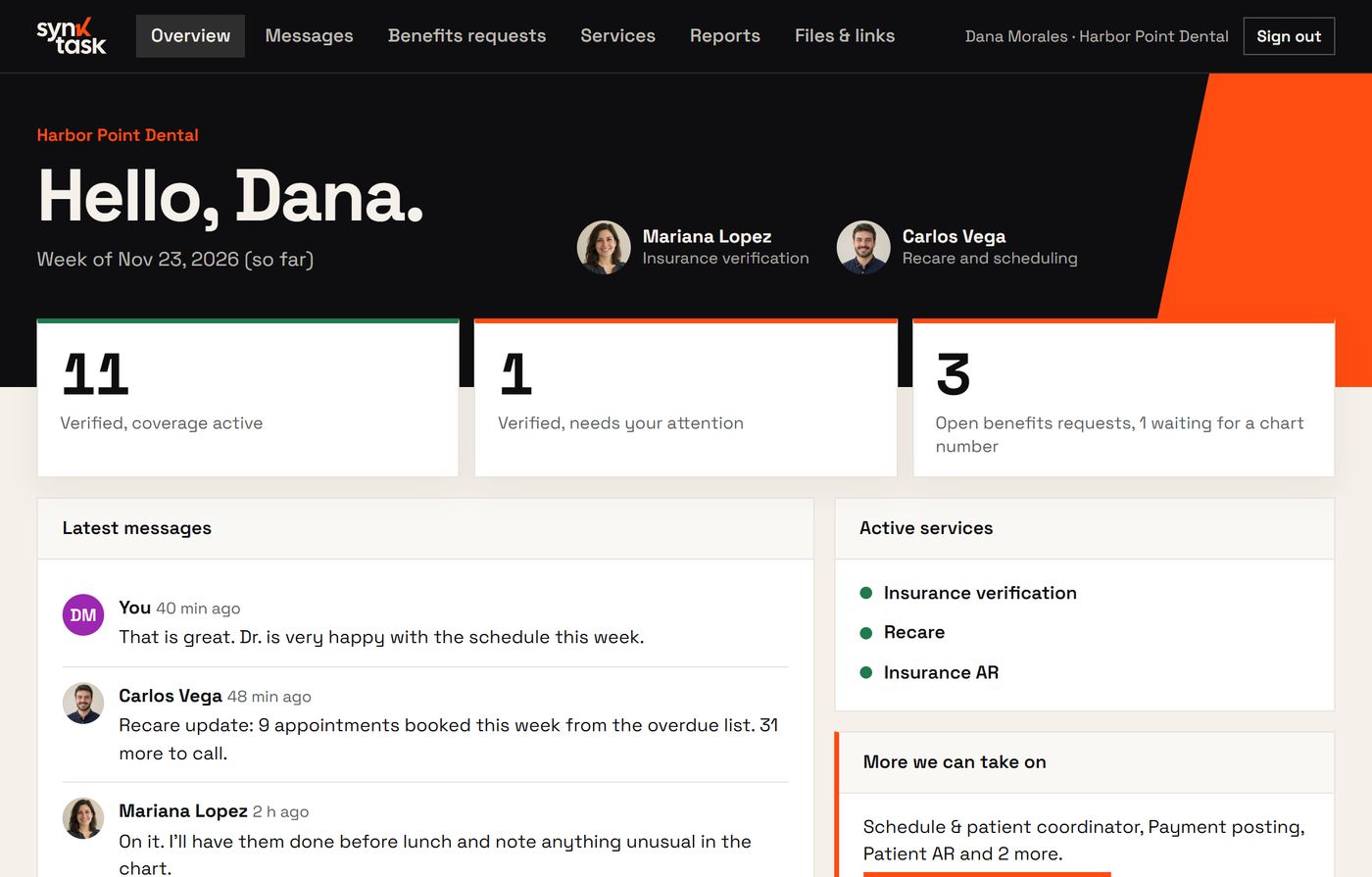
Overview
Your office at a glance.
This week's numbers, the people on your team by name, their latest messages and the services you have running. It is the first thing you see when you sign in.
Every office we work with gets a login. It shows what your Synktask team did this week, what needs your attention, and gives you a direct line to the people doing the work.
Already a client? Sign in to your portal
The screens below are the real portal, shown with a sample office and made-up data.
This week's numbers, the people on your team by name, their latest messages and the services you have running. It is the first thing you see when you sign in.
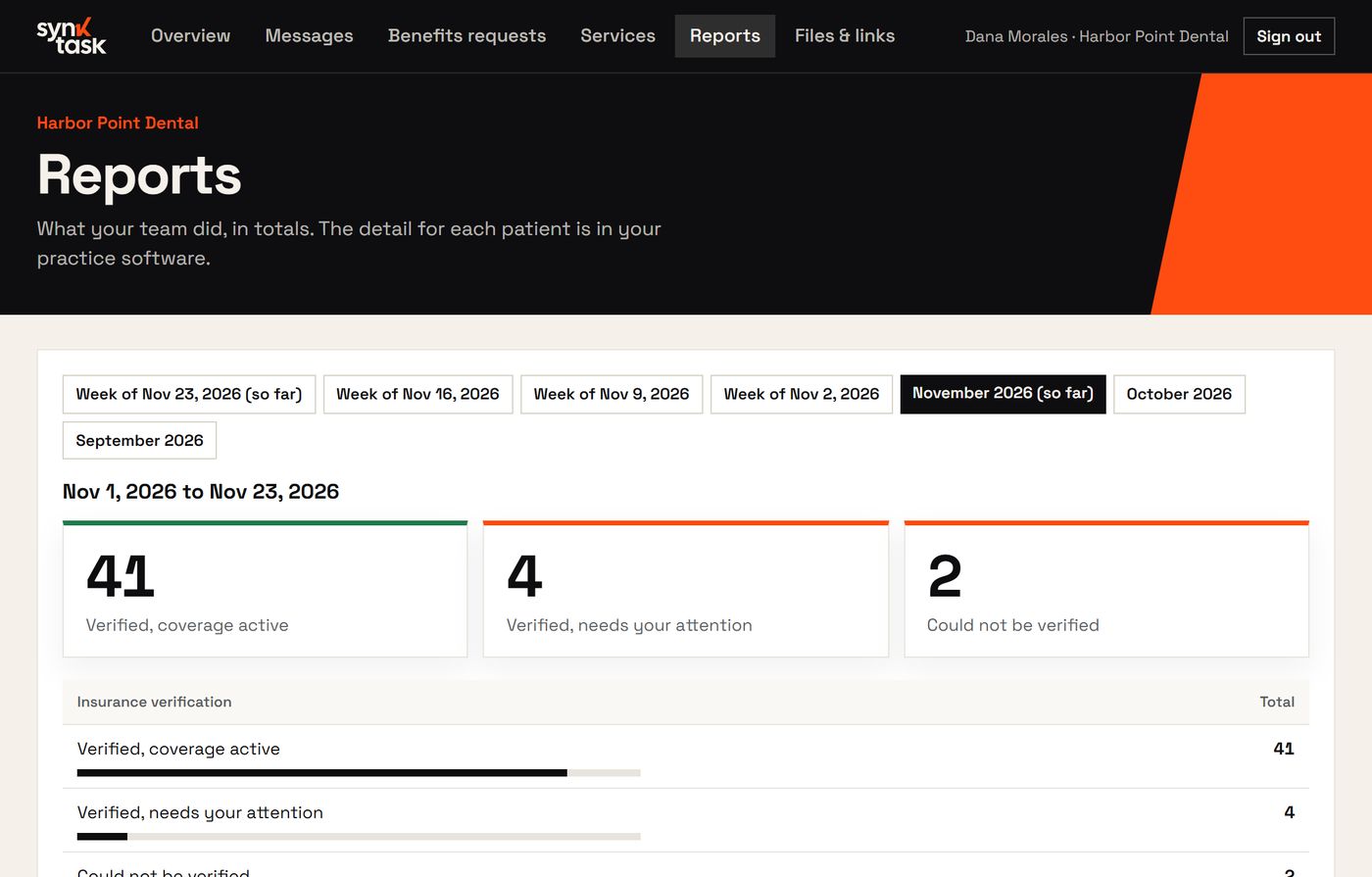
Pick any week or month. For insurance verification you see how many were verified with coverage active, how many need your attention and how many could not be verified, with the reason: coverage not active, waiting period applies, annual maximum used up and so on.
The detail for each patient stays in your practice software.
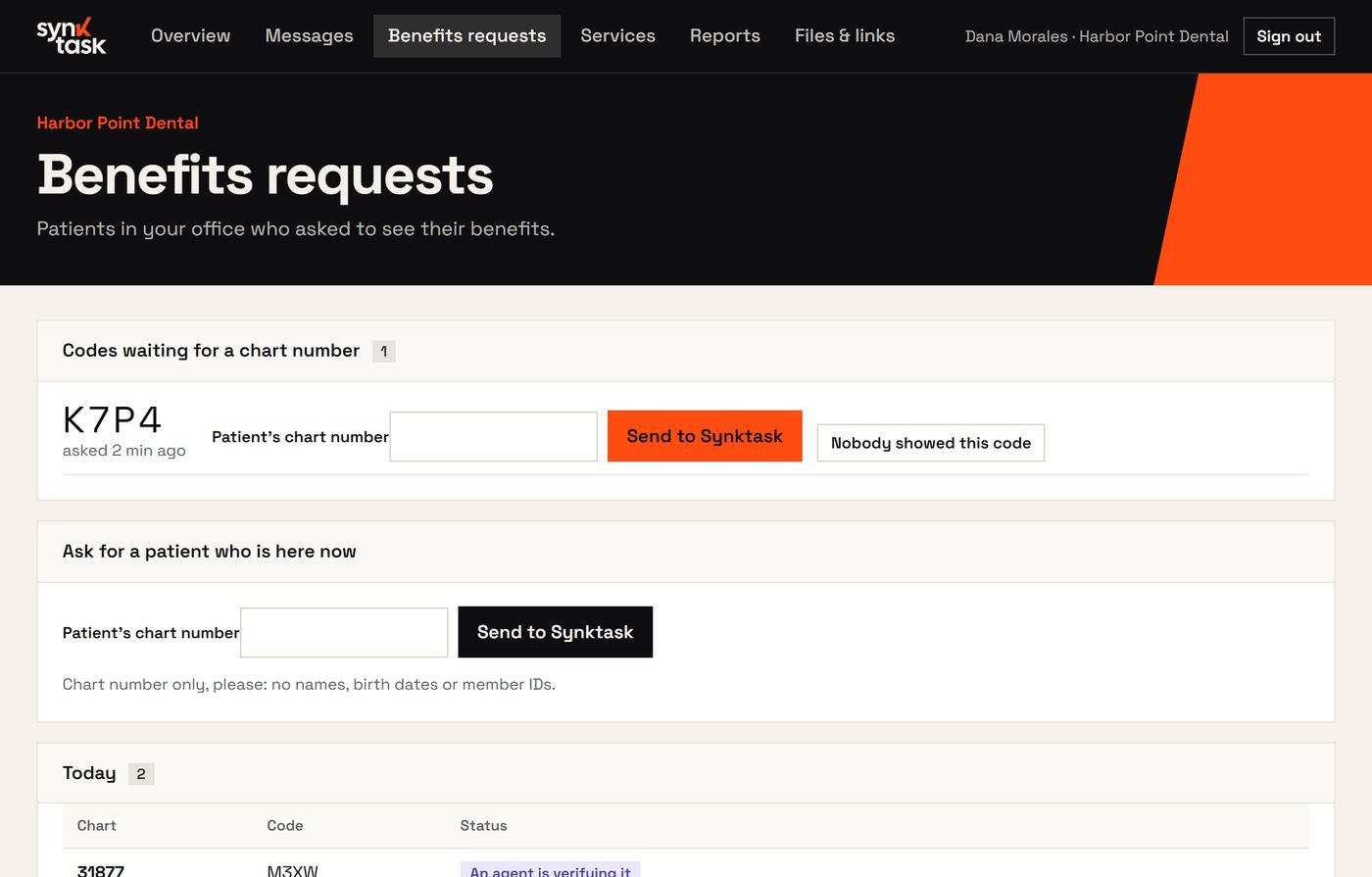
A patient who wants to know what their plan covers gets a short code on their phone and shows it at the front desk. You match it to the chart number and send it to us. You can also ask for a patient who is in the office right now.
Chart number only: no names, birth dates or member IDs.
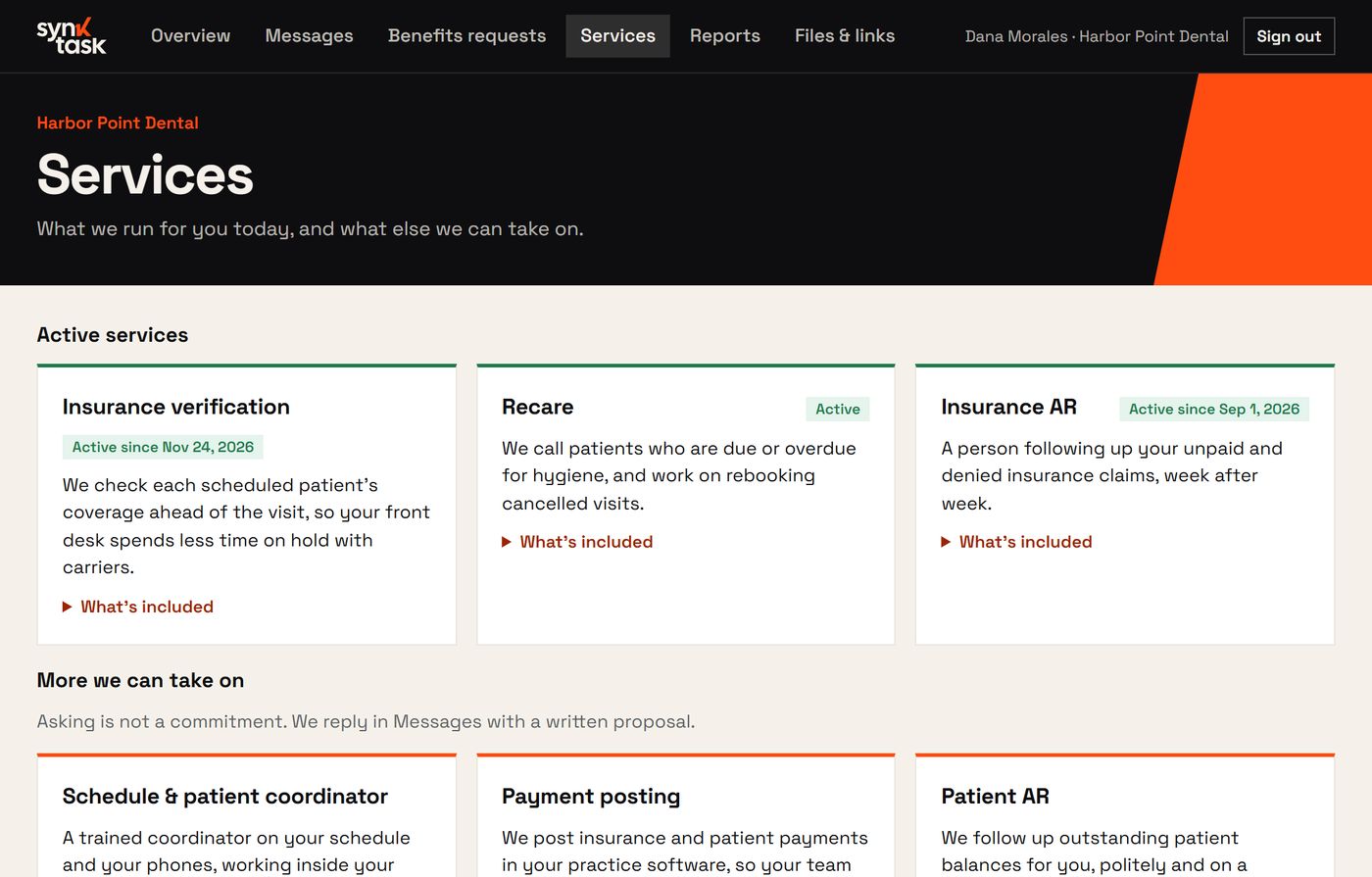
Each active service with what is included, and the other services you can ask about. Asking is not a commitment: we reply in Messages with a written proposal.
Write to the people working your office and read their updates in one place, instead of scattered texts and emails.
The folder your Synktask team shares with your office, and how to reach us by phone.
The portal shows totals of the work, and benefits requests ask for the chart number only. Each office signs in with its own login and sees only its own office. More on HIPAA and patient information.
Thirty minutes: which work is piling up, what it would cost, and what you would see in the portal each week.